Why Are AI Automation Tools Like Codex Not Recommended for PDF Translation?
Brief Conclusion
AI agents can assist with reading, summarizing, Q&A, terminology organization, and post-editing of PDFs, but are not suitable as primary delivery tools for high-fidelity PDF translation. The reason is that PDF translation encompasses not only language conversion, but also fixed layout parsing, reading order determination, OCR, text layer processing, layout reconstruction, visual verification, and predictable cost control.
If your goal is to 'comprehend PDFs', tools like Codex and Claude Code work very well. If your goal is to 'deliver a format-stable, downloadable, reviewable translated PDF', specialized PDF translation tools like O.Translator are more suitable.
Can AI agents translate PDFs?
AI agents can translate text in PDFs, but they are typically more suitable for 'content comprehension' and 'post-editing assistance' rather than stably generating high-fidelity translated PDFs.
The reason is not that agents aren't intelligent. On the contrary, tools like Codex can invoke commands, write scripts, read files, analyze OCR results, and translate a passage of text very well. The issue is that PDFs are fixed-layout documents. Real-world PDF translation requires first determining which content is body text, which is headers and footers, which is tables or figure captions, and then placing the translated text back into the original page structure.
The core difficulty of such tasks is closer to document engineering rather than pure natural language processing.
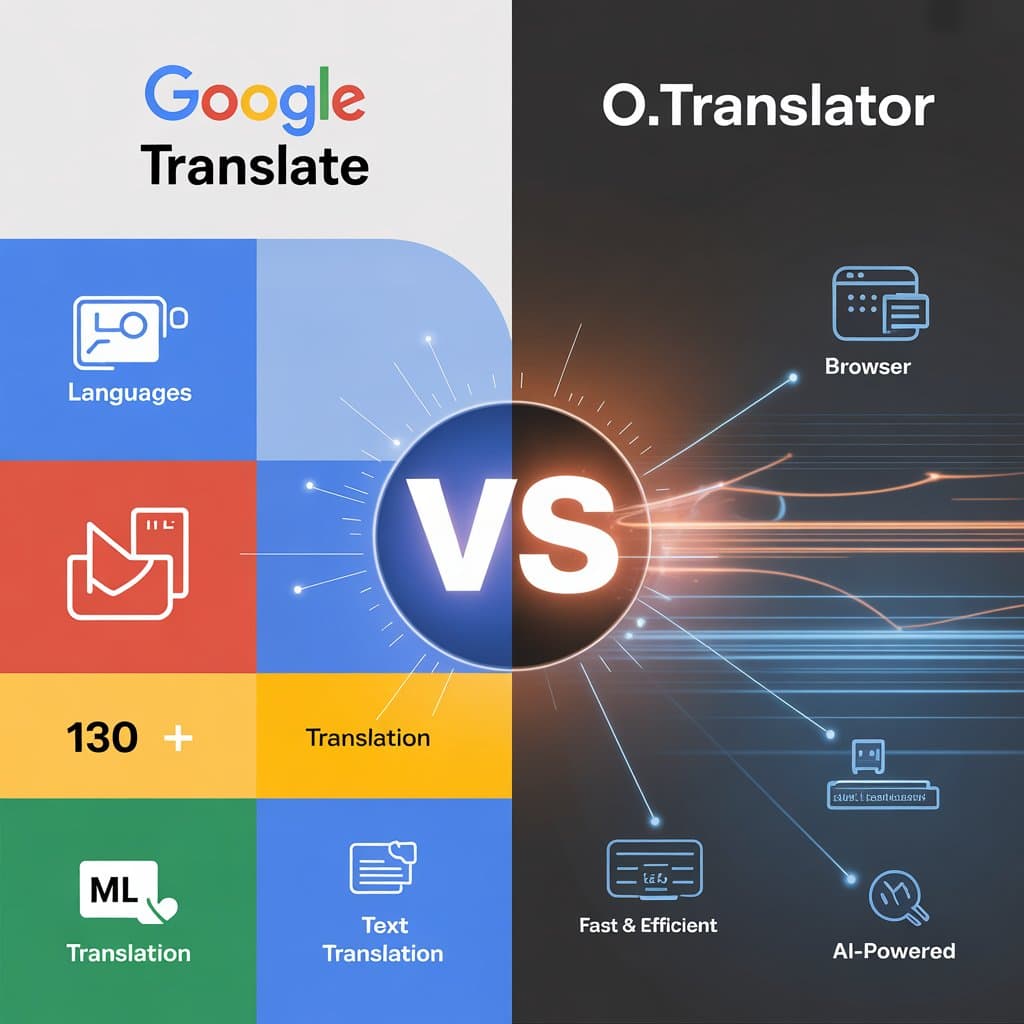
AI agent vs Specialized PDF Translation Tools
| Dimension | AI agent | Specialized PDF Translation Tools |
|---|---|---|
| Suitable Tasks | Reading, summarization, Q&A, terminology discussion, targeted paragraph polishing | Translate entire PDFs and output downloadable translation files |
| Cost Structure | Depends on context length, tool calls, retry attempts, and multi-round reviews | Typically billed by page count, tokens, or document statistics, with more predictable costs |
| Layout Reconstruction | Requires ad-hoc scripting or tool invocation, stability depends on each individual file | Has fixed layout parsing, OCR, reconstruction, and output workflows |
| Long document processing | Prone to context accumulation, missing pages, sequence disorder, and redundant validation | Better suited for batch page-level processing and cache reuse |
| Scanned PDF | Requires additional OCR and coordinate backfilling, error-prone | Typically has built-in OCR, image processing, and page reconstruction capabilities |
| Review experience | Can explain and comment on translations, but difficult to generate bilingual PDFs stably | Supports preview, bilingual comparison, and downloadable results |
Why PDF translation is not about 'feeding text to the model'?
The design goal of PDF is 'display consistency,' not 'editing convenience.'Text on a page is often not a continuous text stream, but split into many coordinate-positioned characters, word fragments, and text boxes. Double-column papers, product manuals, contracts, scanned documents, captions, footnotes, headers and footers, tables, and hidden text layers all make text extraction unstable.
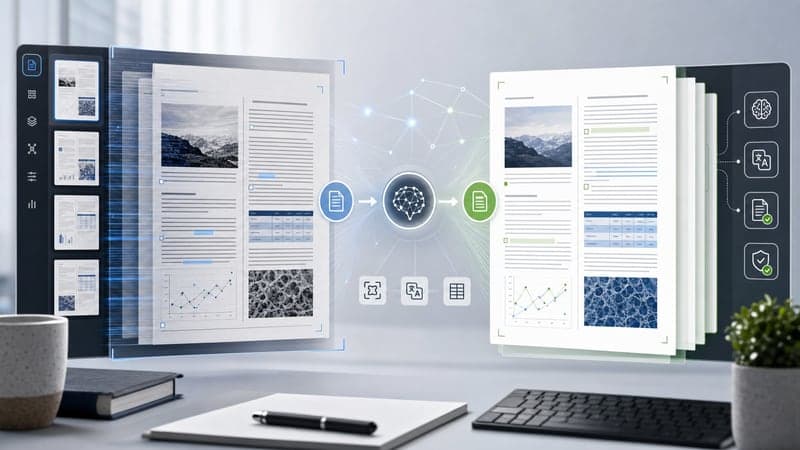
A deliverable PDF translation involves at least three stages:
- Parsing: Identifying text layers, image layers, tables, captions, headers and footers, and the correct reading order.
- Translation: Maintaining consistency in terminology, tone, context, and across pages.
- Reconstruction: Placing the translated text back onto the page while preserving images, tables, paragraphs, fonts, and spatial relationships as much as possible.
Agents excel at the second stage and can also handle partial parsing and reconstruction. However, without a specialized PDF processing pipeline, it is difficult to consistently handle layout reconstruction for entire documents.
Long PDFs amplify agent cost and stability issues.
For short PDFs, agent processing costs typically increase linearly. Breaking text into several segments, translating, proofreading, then outputting Markdown or plain text results—the workflow is relatively controllable.
Long PDFs are different. To maintain terminology consistency, agents may need to include context summaries, glossaries, already-translated content, current page screenshots, or OCR results for each segment it translates. The first few pages are manageable, but toward the end, repeated inputs accumulate, prompts lengthen, and costs may shift from approximately linear to superlinear growth.
Multi-round processing also amplifies costs. High-quality PDF translation is typically not completed in one round:
- Extract text and image content.
- Determine reading order.
- Translate the main text.
- Check terminology consistency.
- Fill in gaps and omissions.
- Attempt to reflow the page layout.
- Perform manual or visual inspection.
With each additional round, the entire document may be re-read. For PDFs with dozens or hundreds of pages, what's truly difficult to control is often not the model's unit price, but context repetition, tool calls, failed retries, and manual inspection.
Layout restoration is where agents are most prone to lose control
If your goal is simply to "understand this PDF," agents work well. It can explain contract terms, summarize paper contributions, extract risk points, or translate selected pages into the target language.
But if your goal is 'to obtain a downloadable, deliverable translated PDF with formatting close to the original,' the challenge becomes entirely different.
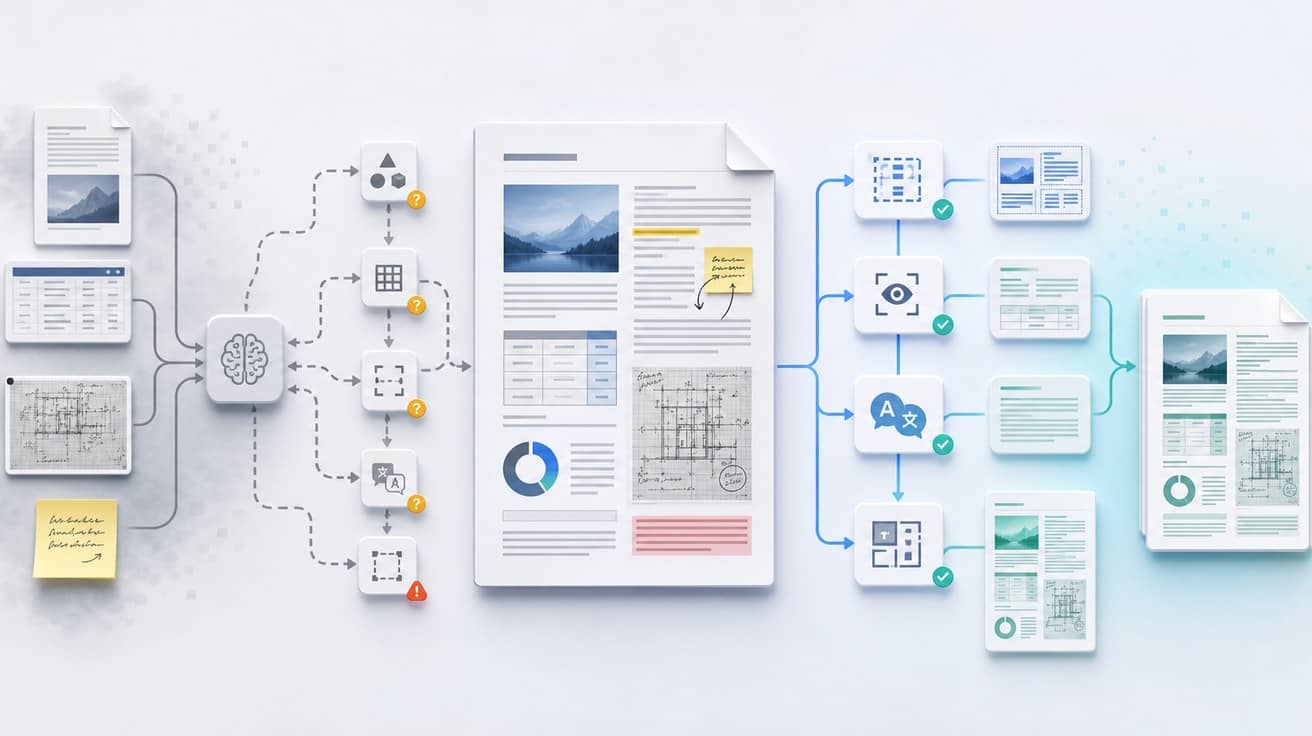
PDF layout reconstruction encounters these details:
- What to do when the translated text is longer than the original and doesn't fit in the text box?
- How to determine the reading order of a two-column paper?
- How to prevent content in table cells from overflowing?
- Among figure captions, footnotes, page numbers, headers and footers—which should be translated and which should be retained?
- How to locate OCR results from scanned PDFs back to the original image?
- After erasing source text, how to preserve background textures, lines, and stamps?
- How to handle different writing directions such as vertical text and Arabic?
- Will hidden text layers, invisible text, and watermarks be misrecognized?
These problems cannot be stably solved by prompts alone. They require layout analysis, OCR caching, background processing, font strategies, pagination strategies, visual verification, and error recovery mechanisms.
Predictability is more important than 'whether it can succeed once'
The key to many automation tasks is not whether AI can successfully complete it once, but whether it can stably complete it a hundred times.
This is especially true for PDF translation. Users are typically concerned not with whether a particular paragraph is beautifully translated, but rather with whether the entire document can:
- Preserve the original layout.
- Avoid omissions and sequence errors.
- Support OCR for scanned documents.
- Support preview before payment.
- Support bilingual parallel review.
- Support downloading the translated PDF.
- Support retry, cache reuse, and problem locating when errors occur.
These capabilities require productized workflows. Specialized PDF translation tools systematize complex steps: first analyze the document, then estimate costs, then generate a preview, then allow users to check the translation and layout, and finally output a downloadable file.
This is also the primary difference between O.Translator and general-purpose agents. O.Translator's focus is not on having AI improvise 'a way to translate PDFs,' but rather on breaking down PDF translation into repeatable, previewable, and deliverable workflows.
When can you use agents?
When your goal is to understand, analyze, or assist with proofreading PDFs, agents are well-suited.
You can have agents help you:
- Quickly summarize a long PDF.
- Explain complex passages in papers, contracts, or manuals.
- Extract terminology and generate a glossary draft.
- Compare source and target texts to identify possible mistranslations.
- Polish certain key paragraphs.
- Adjust expressions according to industry context.
- Help you determine which pages require focused manual review.
This means agents are more suitable for 'understanding, analysis, and post-editing assistance.'They can serve as expert assistants within the PDF translation workflow, but are not necessarily suitable as the execution system for the entire PDF delivery pipeline.
When should you use O.Translator?
If your PDF falls into any of the following categories, it is recommended to prioritize specialized tools like O.Translator rather than having an agent build the pipeline from scratch:
- Documents exceeding ten pages.
- Contains tables, charts, figure captions, or complex layouts.
- Are scanned copies or image-based PDFs.
- Need to preserve the original format of contracts, resumes, papers, or manuals.
- Need to deliver to clients, colleagues, advisors, or partners.
- Need bilingual parallel review.
- Want to see the results and pricing before translating.
In these scenarios, what's truly expensive is often not the model tokens, but omissions, sequencing errors, format corruption, and rework.
If you want to verify a PDF's translation quality first, you can use O.Translator's translation preview feature to check the translated text and layout before payment. If your file is a scanned copy, refer to the Scanned PDF Translation Guide. If you need sentence-by-sentence review, bilingual files will be more convenient. For details, see Bilingual PDF Download Instructions.
FAQ
Does AI agent PDF translation cost grow linearly?
Not necessarily. Short PDFs or pure text extraction scenarios typically exhibit near-linear growth; Long PDFs, scanned documents, complex layouts, and multiple review rounds can cause costs to become superlinear. The primary reasons are repeated context input, tool calls, OCR, layout reconstruction, and failure retries.
Why is PDF layout more difficult to translate than Word documents?
PDF is a fixed-layout file format that emphasizes consistent visual presentation. Text in many PDFs is not a continuous text stream, but rather fragmented text blocks positioned by page coordinates. After translation, text length variations, fonts, paragraph positions, table boundaries, images, and headers/footers must still be handled, making them more difficult to reconstruct reliably than Word documents.
Are Codex or Claude Code completely unusable for PDF translation?
No. They are suitable for helping you understand PDFs, summarize content, explain terminology, review key passages, and identify potential mistranslations. It's just that when the goal is to output a complete high-fidelity translated PDF, specialized PDF translation tools are usually more stable.
Why are scanned PDFs more difficult?
Scanned PDFs are essentially images. The system must first use OCR to recognize text, then map the recognition results back to page coordinates, while also handling background removal, image quality issues, skewed pages, handwritten annotations, and low-resolution text. Any error in these steps will affect translation accuracy and layout fidelity.
What is the most recommended workflow?
A more stable workflow is: first use O.Translator to generate high-fidelity translations with previewable and downloadable parallel text, then use agents to review, explain, and refine key passages. This approach preserves the layout stability of specialized tools while leveraging the analytical capabilities of agents.
Conclusion: Use agents where they excel most
AI automation tools like Codex are well-suited for helping you understand PDFs, and for assisting with post-translation review and refinement. However, if your goal is to generate a format-stable, downloadable, reviewable, and deliverable PDF translation, general-purpose agents are usually not the most stable first choice.
The difficulty of PDF translation lies not only in language, but in the combination of "language + layout + document engineering".
When you need to understand content, use agents. When you need to deliver translated PDF files, use specialized PDF translation tools.
To test a document's results directly, visit O.Translator Document Translation, upload a PDF to preview first, then decide whether to complete the full translation.